
What makes POS software a strong fit for UAE retail?
A practical guide to evaluating POS software in the UAE across billing, VAT, inventory, reporting, cloud access, support and multi-store requirements.
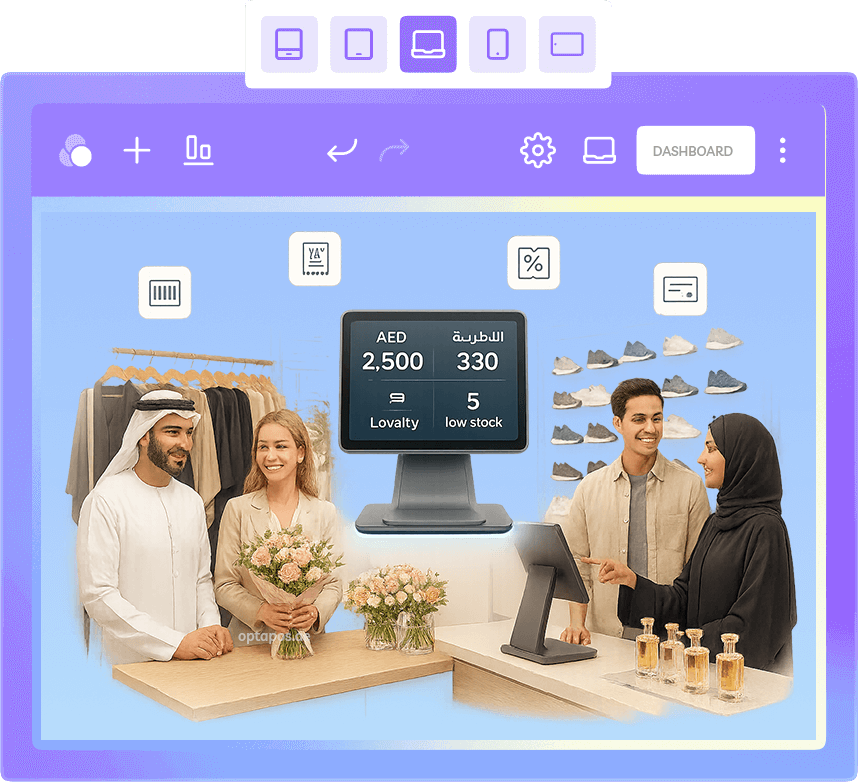
Use the business requirement to guide the technology decision.
Retailers comparing POS options and trying to separate useful operational requirements from generic feature lists.
Match the software to your retail workflow
Review this requirement in the context of your own products, teams, locations, customer workflow and reporting needs.
Check VAT, inventory and reporting depth
Review this requirement in the context of your own products, teams, locations, customer workflow and reporting needs.
Evaluate support, scalability and access
Review this requirement in the context of your own products, teams, locations, customer workflow and reporting needs.
UAE VAT workflows
Make sure invoicing, returns and reporting can be configured around the applicable UAE retail workflow.
Inventory visibility
Stock information should remain connected to sales, receiving, transfers and management reporting.
Management insight
Choose reports that help operators understand what changed and where action may be required.
Connect the counter to the decisions made away from the counter.
POS software becomes more useful when checkout, inventory, purchasing, customers and reporting share the same operational data.
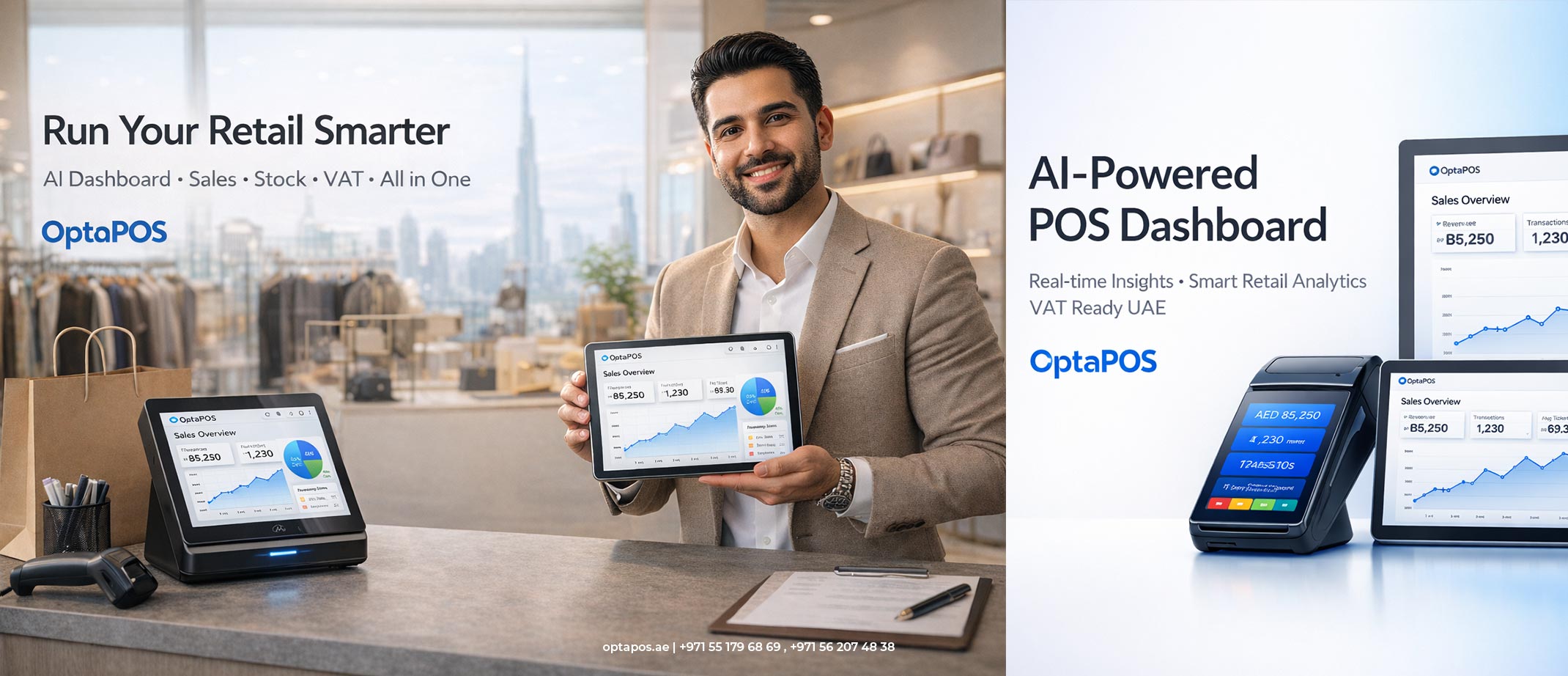
A good POS decision should make daily work clearer, not just add more features.
Use product demos, workflow questions and implementation planning to test whether the system fits the people who will use it every day.
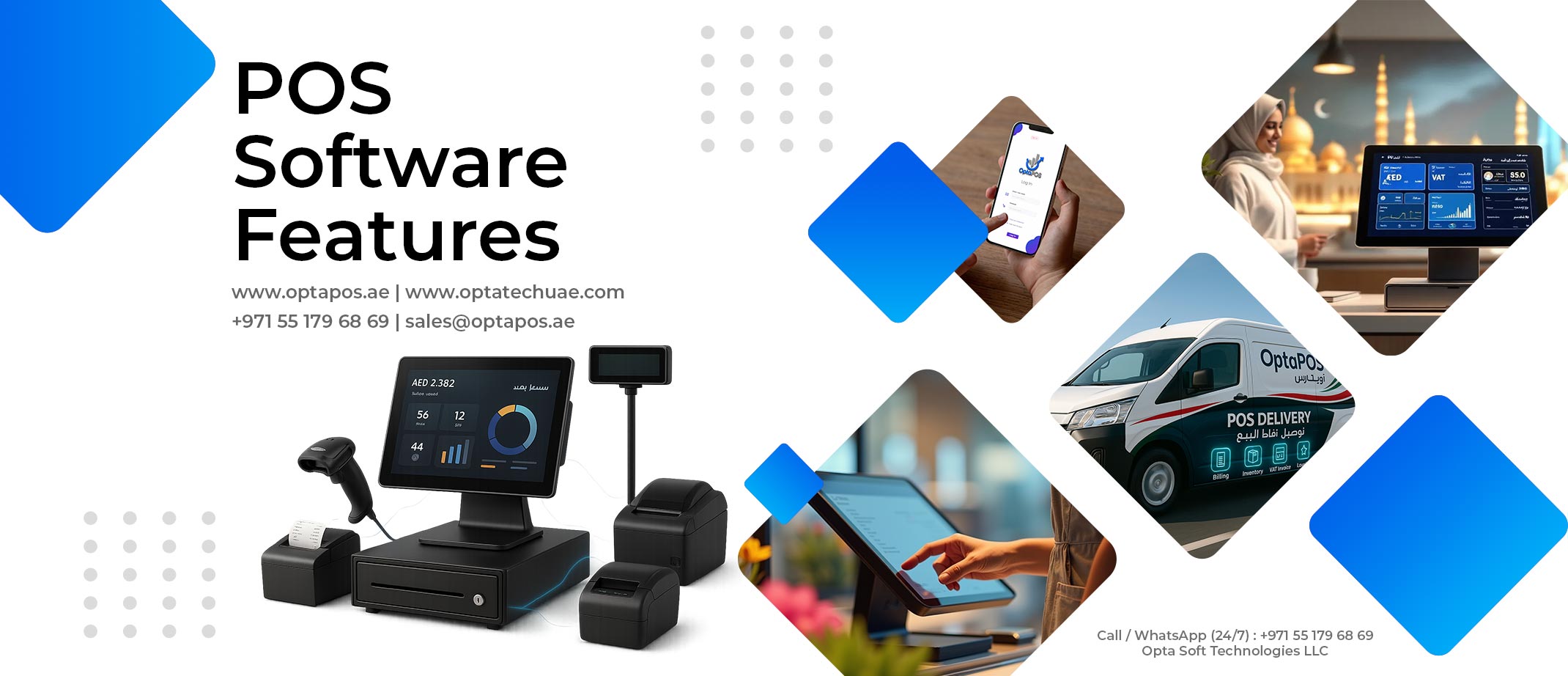
Move from research to a real workflow you can test.
OptaPOS brings billing, stock, customers, purchasing, reporting and multi-store management into one configurable cloud platform for UAE retail businesses.
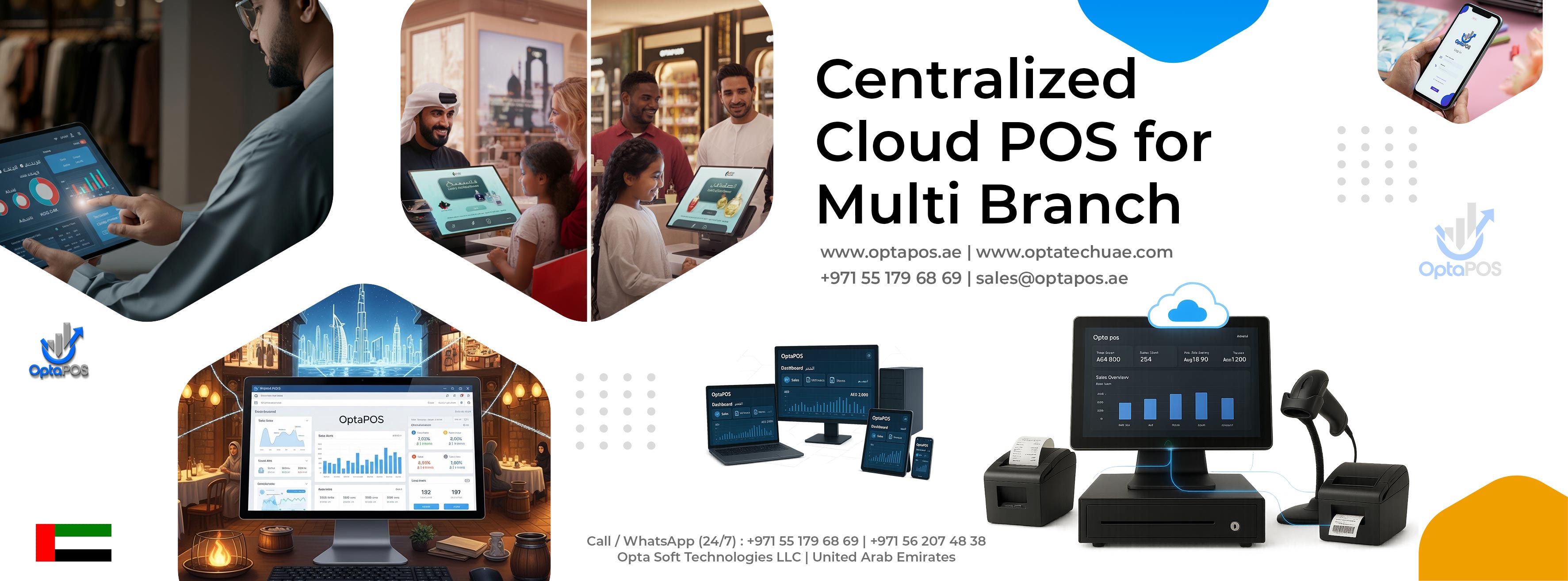
Continue with the part of the retail decision that matters next.
A practical guide to evaluating POS software in the UAE across billing, VAT, inventory, reporting, cloud access, support and multi-store requirements.
Best POS Software UAE Guide, explained.
What should a UAE retailer look for in a POS system?
Start with the actual store workflow: billing, returns, inventory, purchasing, customers, reporting, VAT requirements, locations, users and hardware. Then validate that the software can support those needs without unnecessary complexity.
Can OptaPOS support single-store and multi-store retail?
Yes. OptaPOS can support a single retail location and centralized multi-store workflows where the relevant modules, permissions and locations are configured for the business.
Is a live demo useful before choosing POS software?
Yes. A focused demo helps verify whether the checkout, inventory, reporting and management workflows match the way your business actually operates.
Build a smarter retail operation with OptaPOS.
Tell us about your business and see how OptaPOS can fit your stores, products and workflows.